
Class Map
A seating plan app for teachers: add your students and anything they need, press Shuffle, and everyone gets a seat that works for them.
Download on GitHub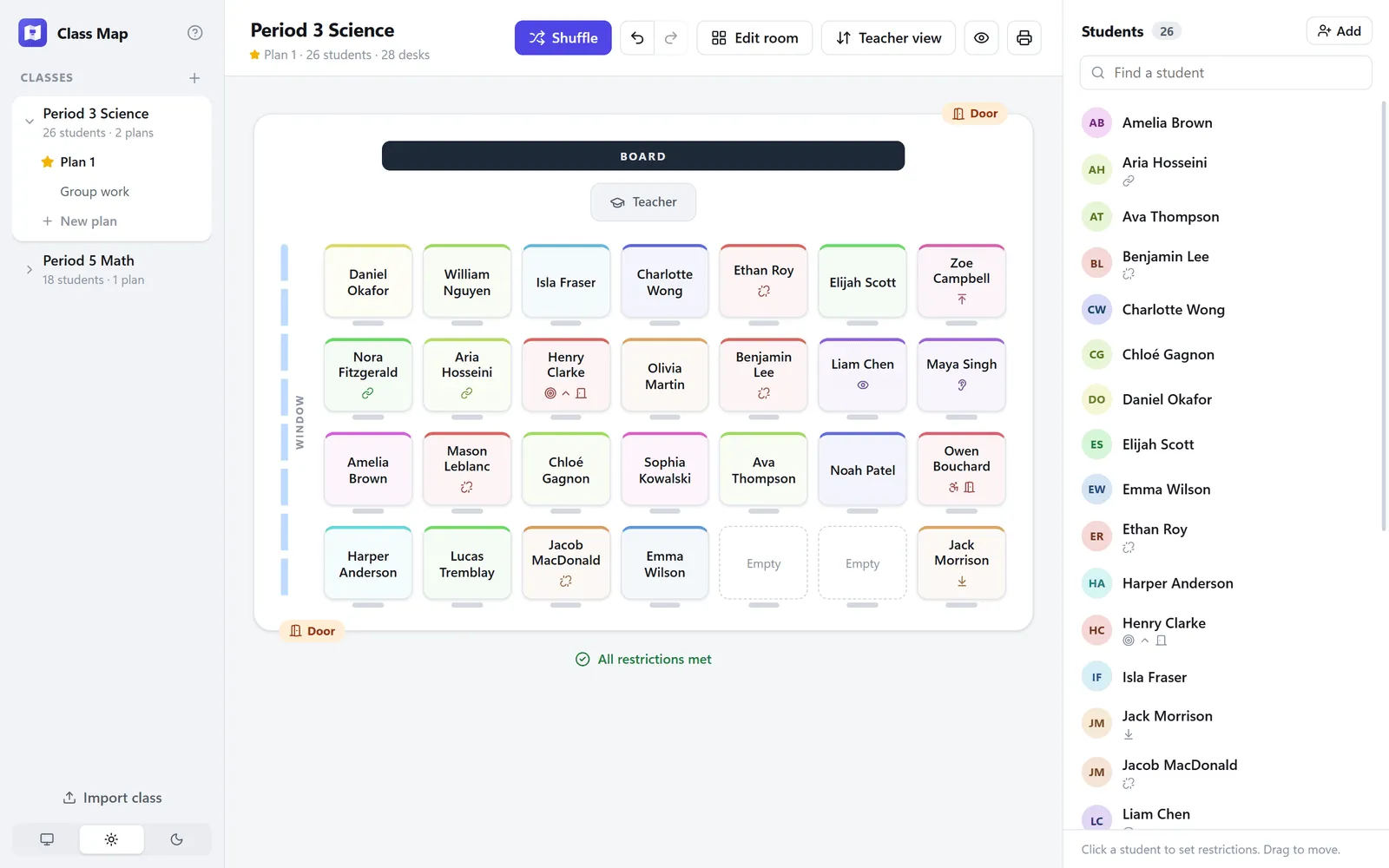
Overview
Class Map makes classroom seating plans. A teacher adds their students and notes anything each one needs, like a seat near the front, a spot by the teacher’s desk or a classmate to keep them apart from, then presses Shuffle. Class Map seats everyone so those needs are met, and the teacher can drag students around to fine-tune it.
It runs on Windows and Mac, and class lists never leave the teacher’s computer.
What I built
Shuffle that follows the rules
Every shuffle respects each student’s needs. If the room can’t fit them all, Class Map shows exactly which ones it couldn’t meet.
Needs for every student
Hearing, vision, mobility and focus; front row, back half or end of row; near the door, a window or the teacher’s desk; and who to sit next to or keep apart from.
The room as it really is
Rows, columns and walkways, with doors, windows and teacher’s desks placed where they actually are.
Discreet in front of the class
One click hides every sign of a restriction, so the plan can go straight up on the projector.
Several plans per class
A “Group work” or “Test day” plan alongside the usual one, all sharing the same room.
Print or save as PDF
A class copy with names only, or a teacher copy with everyone’s restrictions and notes.
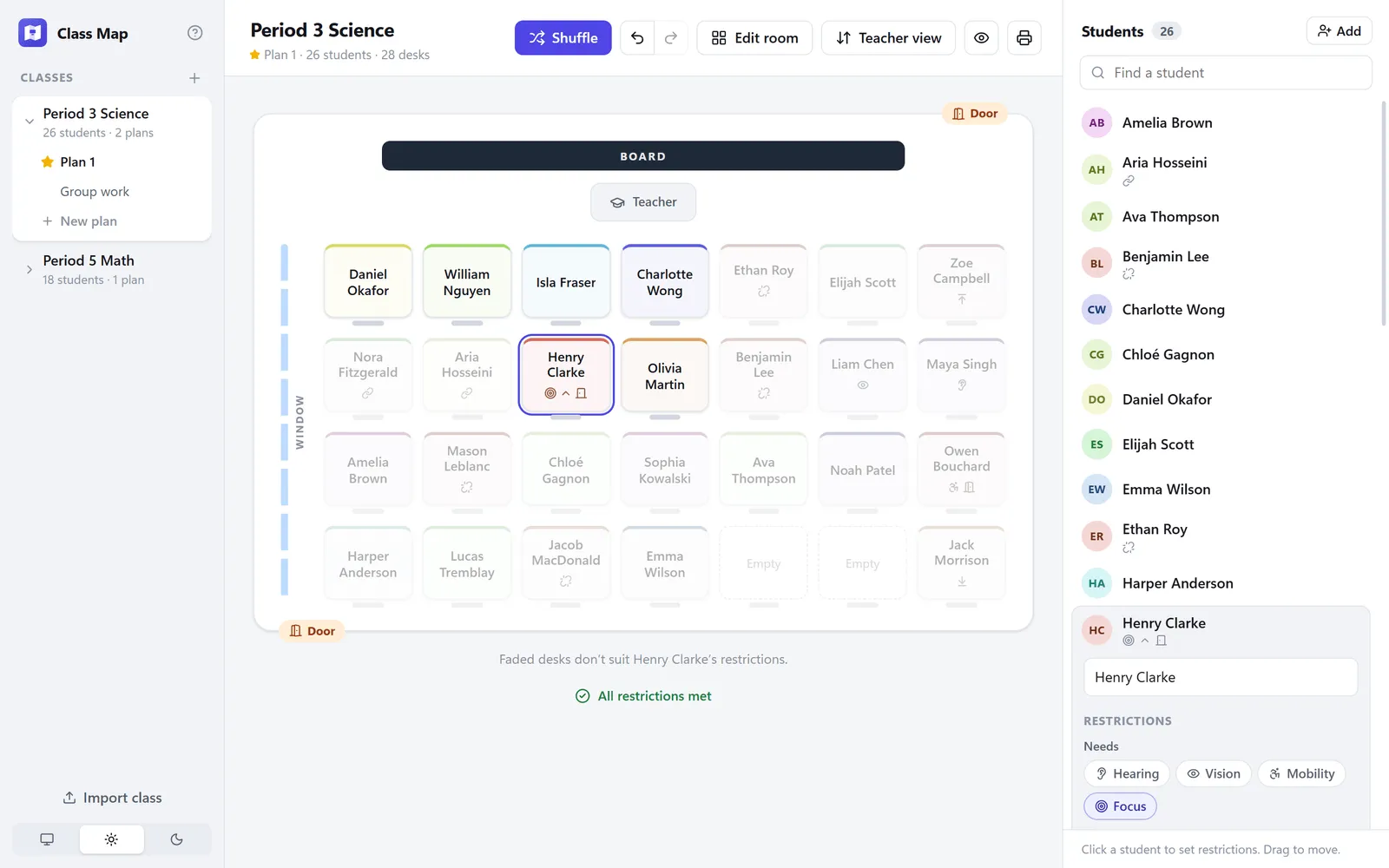
Desks that don’t suit a student fade out
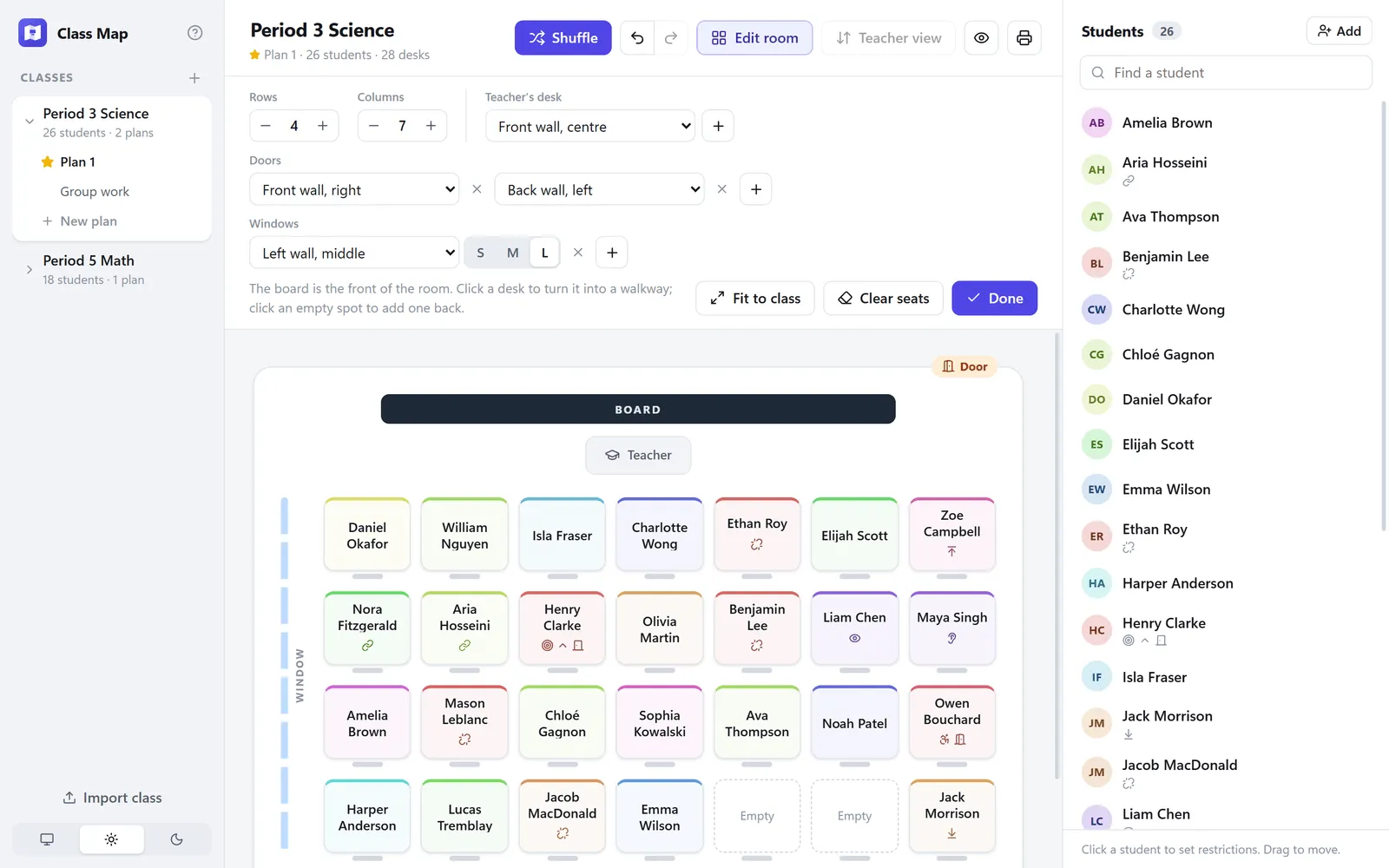
Laying out the room
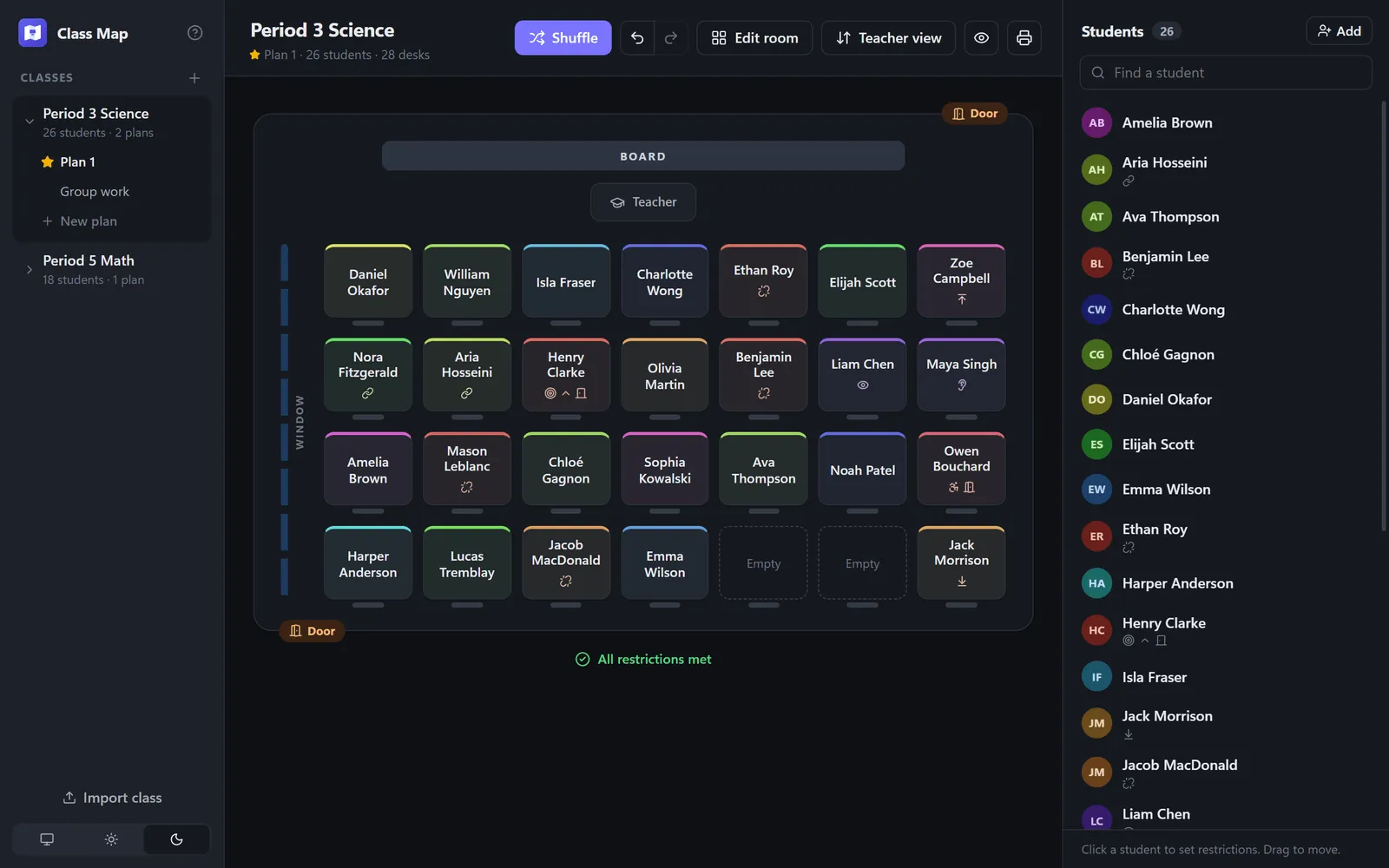
Dark mode
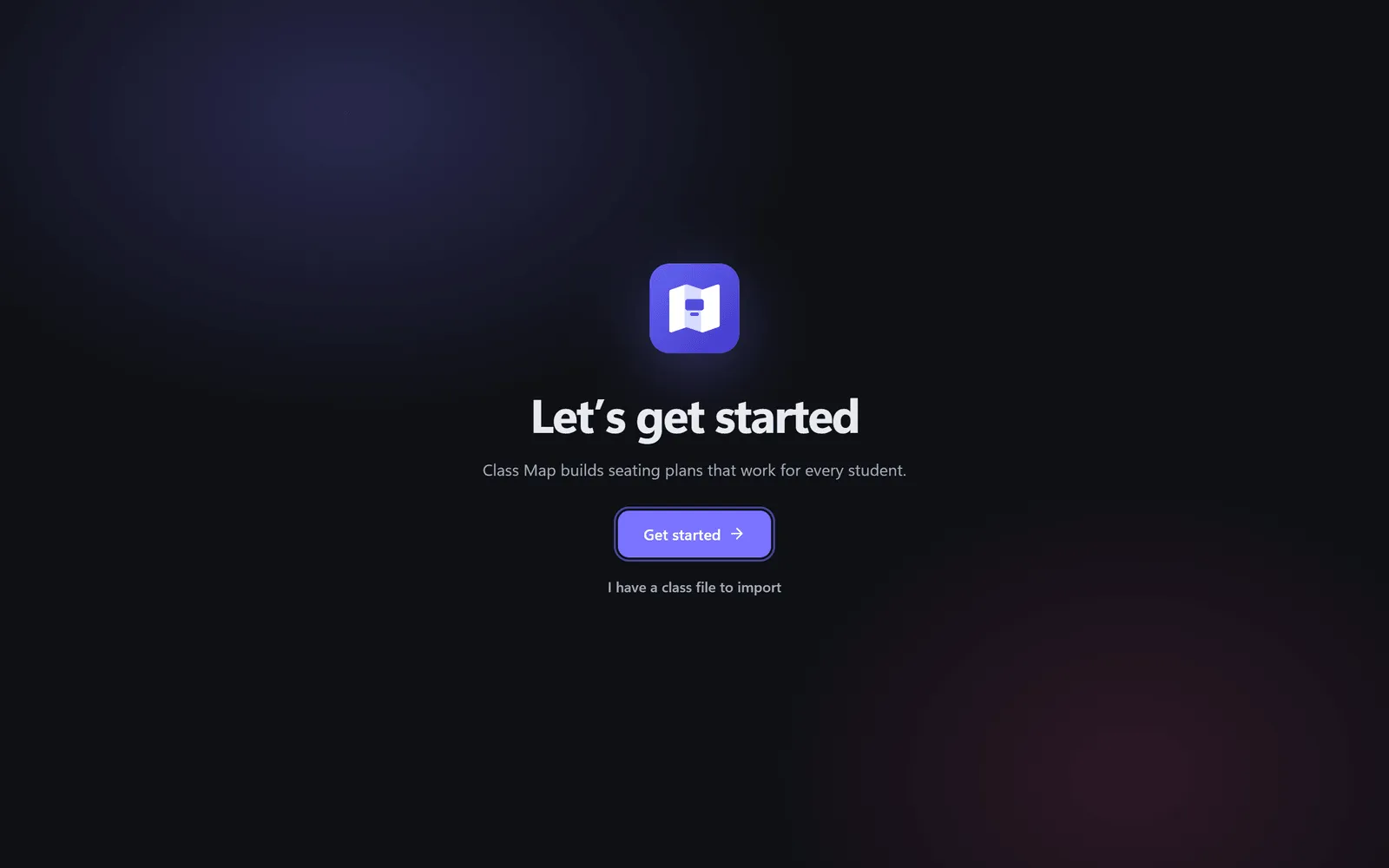
A short setup the first time it opens
Shown with made-up classes.
Under the hood
A solver that does its best
Students with the fewest suitable desks are placed first by a randomised backtracking search. When no plan can meet every restriction, it keeps the one that breaks the fewest, and a suite of tests holds it to that.
Releases on a tag
One GitHub Actions workflow builds the Windows installer and both kinds of Mac app and publishes them to a public releases repo, so installed copies update themselves while the source stays private.
Careful with a teacher’s data
It never overwrites a save it can’t read, keeps a note you’re still typing when the window closes, and says so if a save fails. Its screenshots are taken by a script from made-up classes, never real ones.
Built with
Next project

FrenchDict
A French vocabulary trainer modelled on SpanishDict’s word quizzes: type the French for an English prompt, while spaced repetition decides what comes back and when.
View project